- [email protected]
- Houston, Lucknow & Bhubaneswar
Blog Details
30
Jun
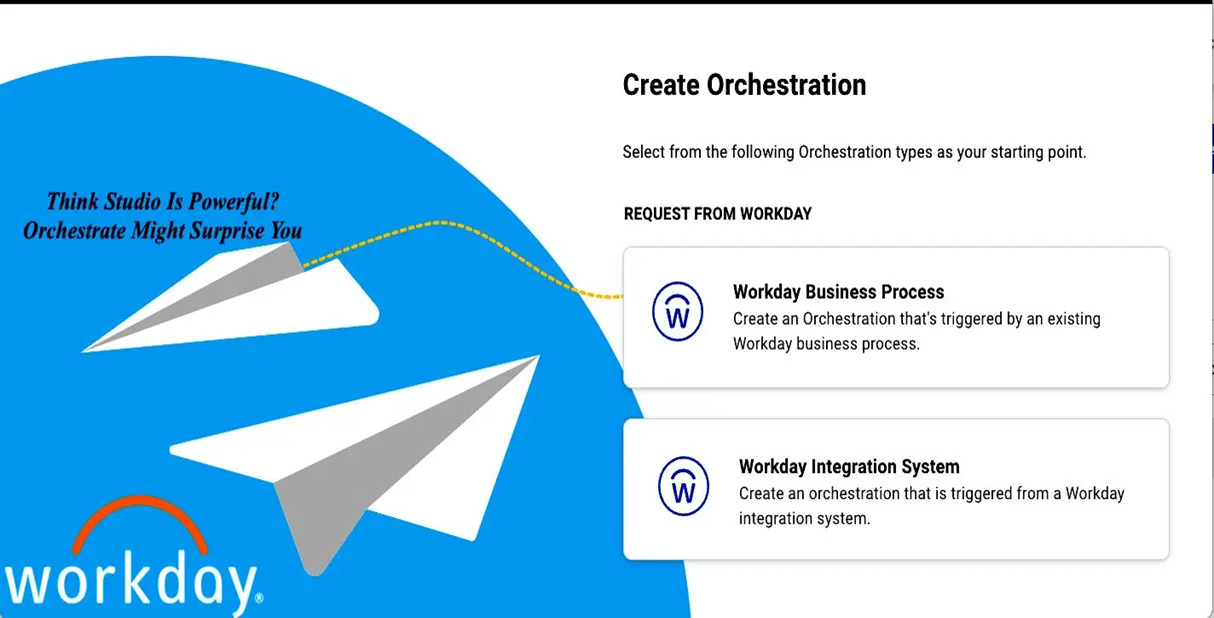
Workday Orchestrate vs. Studio Integrations: Easier Than You Think!
When Workday introduced Orchestrate, many of us familiar with Workday Studio had one question in mind:
“Is this going to be more complex than traditional Studio integrations?”
The short answer? Absolutely not.
In fact, if you're already comfortable working with Studio, transitioning to Orchestrate is much easier than expected—and it brings some impressive benefits along the way.
What is Workday Orchestrate?
Workday Orchestrate is a low-code platform designed to simplify the creation and monitoring of integrations. It focuses on automating workflows between Workday and third-party systems using event-driven orchestration, without the need for complex code-heavy logic.
Orchestrate Offers Two Powerful Template Types
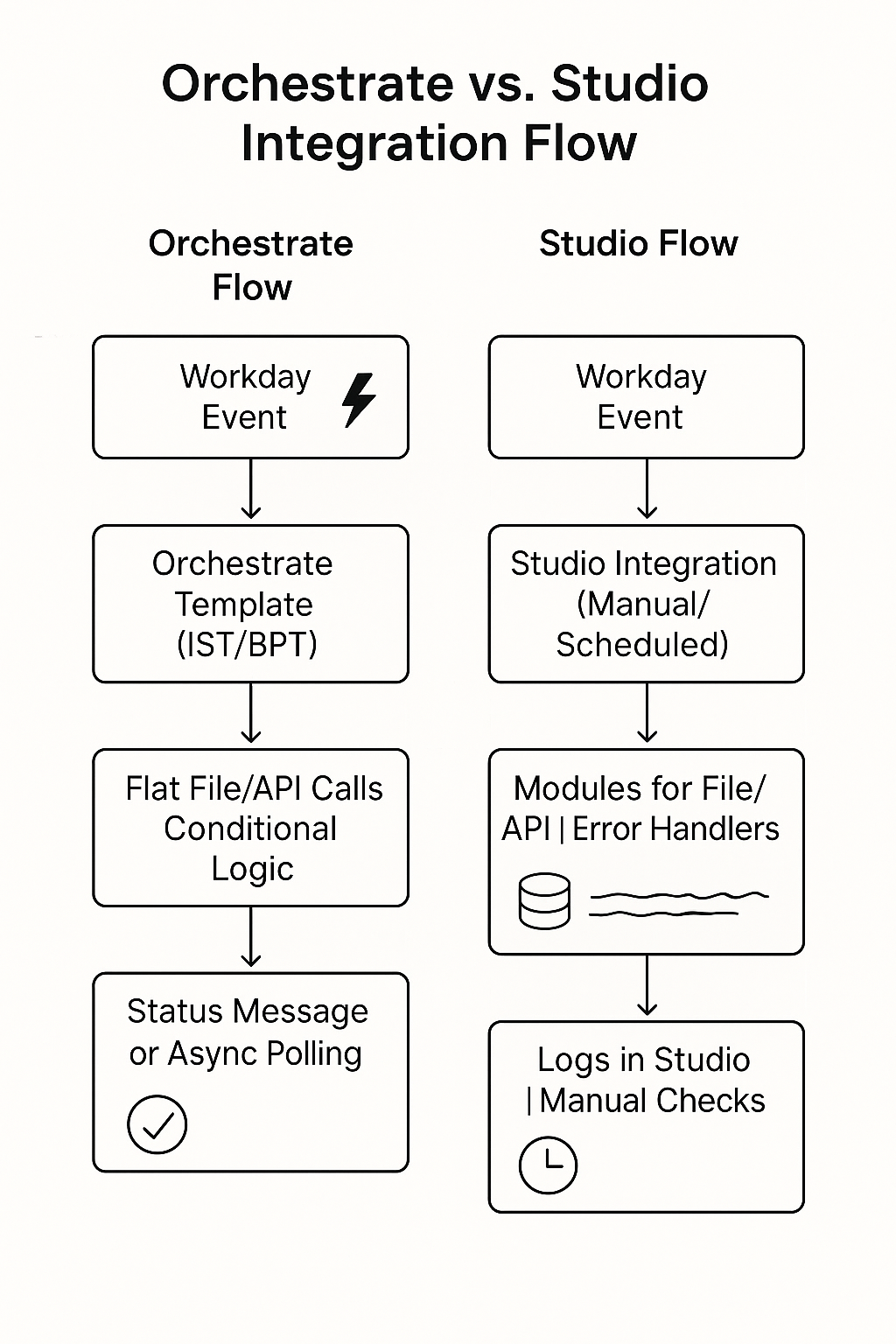
Integration System Template (IST)
This template type will feel very familiar to Studio users.
Best for:
- Flat-file retrieval and delivery
- Post-processing of integration output
- Scheduled or manually triggered processes
Bonus Feature:
- Error logging and orchestration monitoring are simplified. Events can be tracked in both the Workday tenant and Dev site, making debugging and audit tracking easier.
Performance Comparison: Orchestrate vs. Studio
| Integration | Orchestrate Time | Studio Time |
|---|---|---|
| Integration 1 | 5 seconds | 12 seconds |
| Integration 2 | 4 seconds | 11 seconds |
| Integration 3 | 5 seconds | 14 seconds |
✅ Result: Orchestrate showed consistently faster processing times across multiple runs.
Business Process Template (BPT)
This template is perfect for event-driven, lightweight integrations that don't require file handling.
Standout Use Case:
You can automatically trigger integrations on BP Cancel or Rescind actions—something that is not directly possible in Studio.
This is particularly useful when real-time updates are needed, such as in new hire provisioning rollbacks, where speed and accuracy are crucial.
Why Orchestrate Stands Out
Here are a few features that really impressed me:
- ✅ Status-based custom messages: Easily set without needing extra logic or components like in Studio.
- ✅ Built-in polling for asynchronous updates: Orchestrate allows for configurable polling intervals up to 120 minutes, making it easier to validate whether external systems have processed updates successfully.
- ✅ Cleaner configuration: Ideal for building event-based flows to connect Workday with third-party tools or APIs.
Why Orchestrate Stands Out
Final Thoughts
Workday Orchestrate is not just a lighter alternative to Studio—it’s a modern, efficient way to build, monitor, and manage integrations.
For many scenarios—especially those requiring event-based automation or quicker deployment—Orchestrate is not only easier, it’s often the smarter choice.
Whether you're a seasoned Studio developer or just getting started with Workday integrations, exploring Orchestrate is well worth your time.